Leash knot mode
Many third-party servers use custom resource packs which override HoloPrint's files in some way. Moreover, some regular cosmetic resource packs change the armour stand entity as well. As a result, armour stands often can't be used in these situations. Because of this, HoloPrint also comes in with a built-in "leash knot mode" subpack, which renders the hologram on leash knots rather than on armour stands. Leash knots are extremely niche and hardly any resource packs change them; therefore, leash knot mode is less likely to be broken than the regular mode.
NOTE
If you suspect that the server is using Geyser, please see the wiki page for a dedicated fix for Geyser.
What is a leash knot?
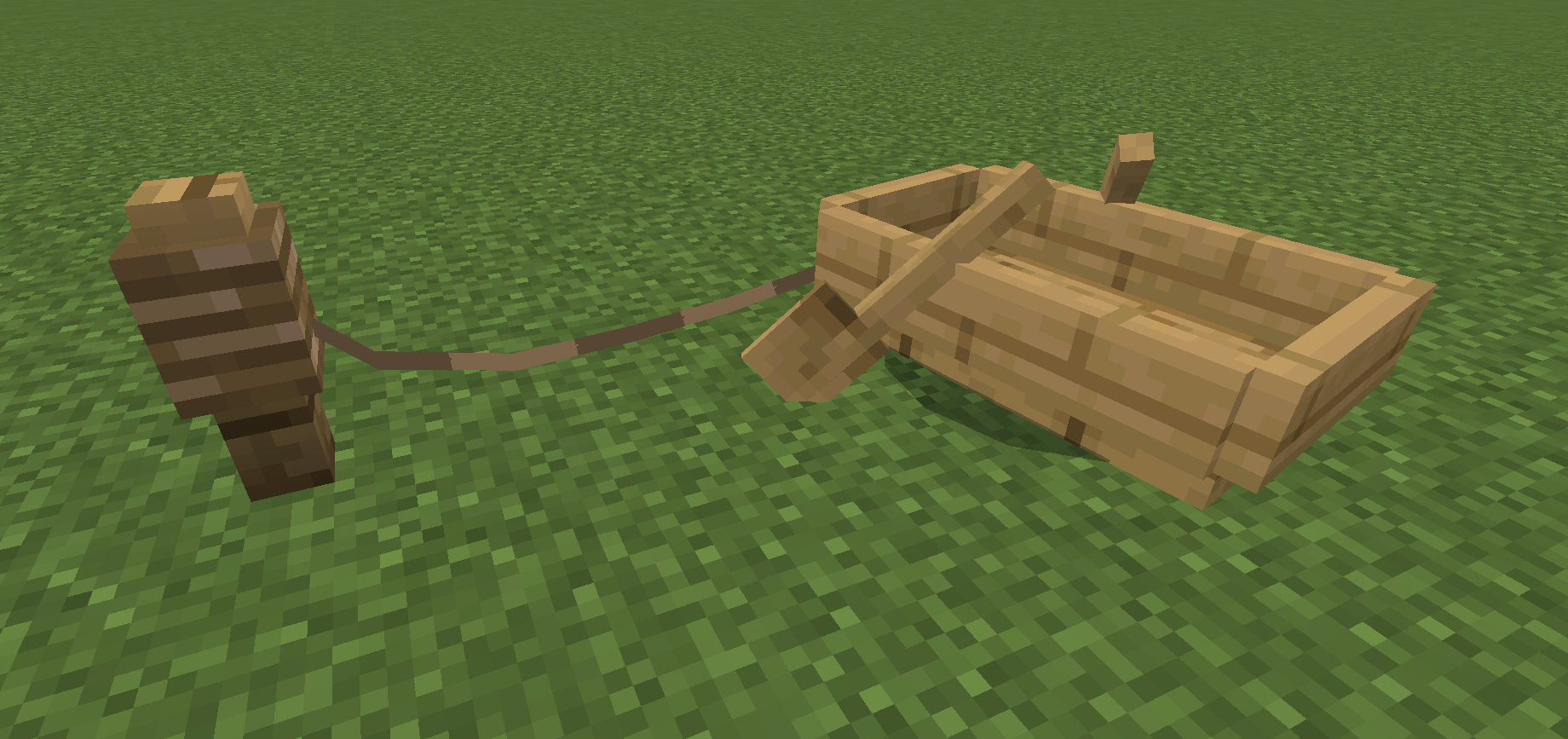
A leash knot refers to the entity when you attach a lead to an entity and a fence block. To create one in Minecraft, you will first need an entity. I recommend using a boat since they are extremely easy to create, and don't go wandering off by themselves.
Simply attach the lead to the boat, then click on the fence. This will create a leash knot.
WARNING
If either the fence or the boat are destroyed, or the boat goes too far away, the lead will break and the leash knot will disappear.
How do I enable leash knot mode?
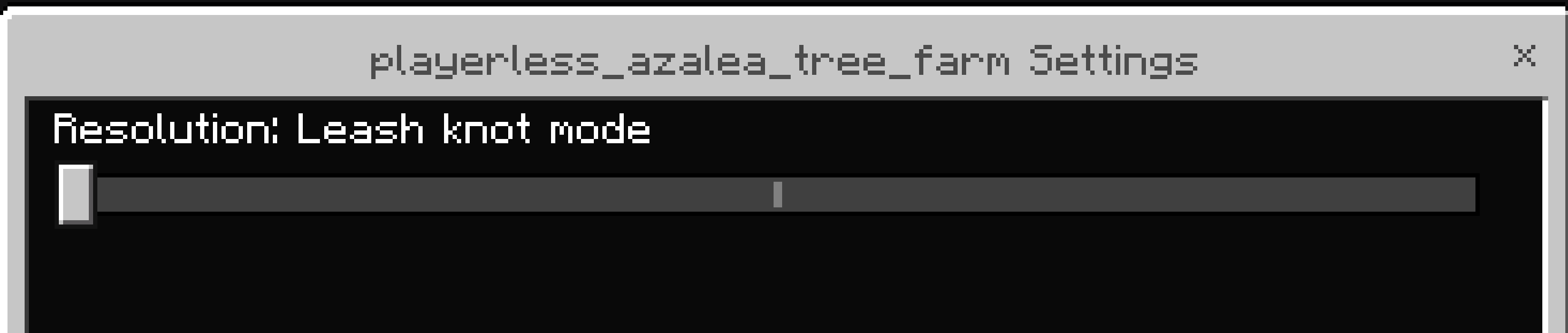
You enable leash knot mode in-game, so you should create your pack as normal. Once it is installed inside Minecraft, enable it, then click on the gear (⚙) icon to open the subpack settings. Drag the slider over to the left until it says Resolution: Leash knot mode.
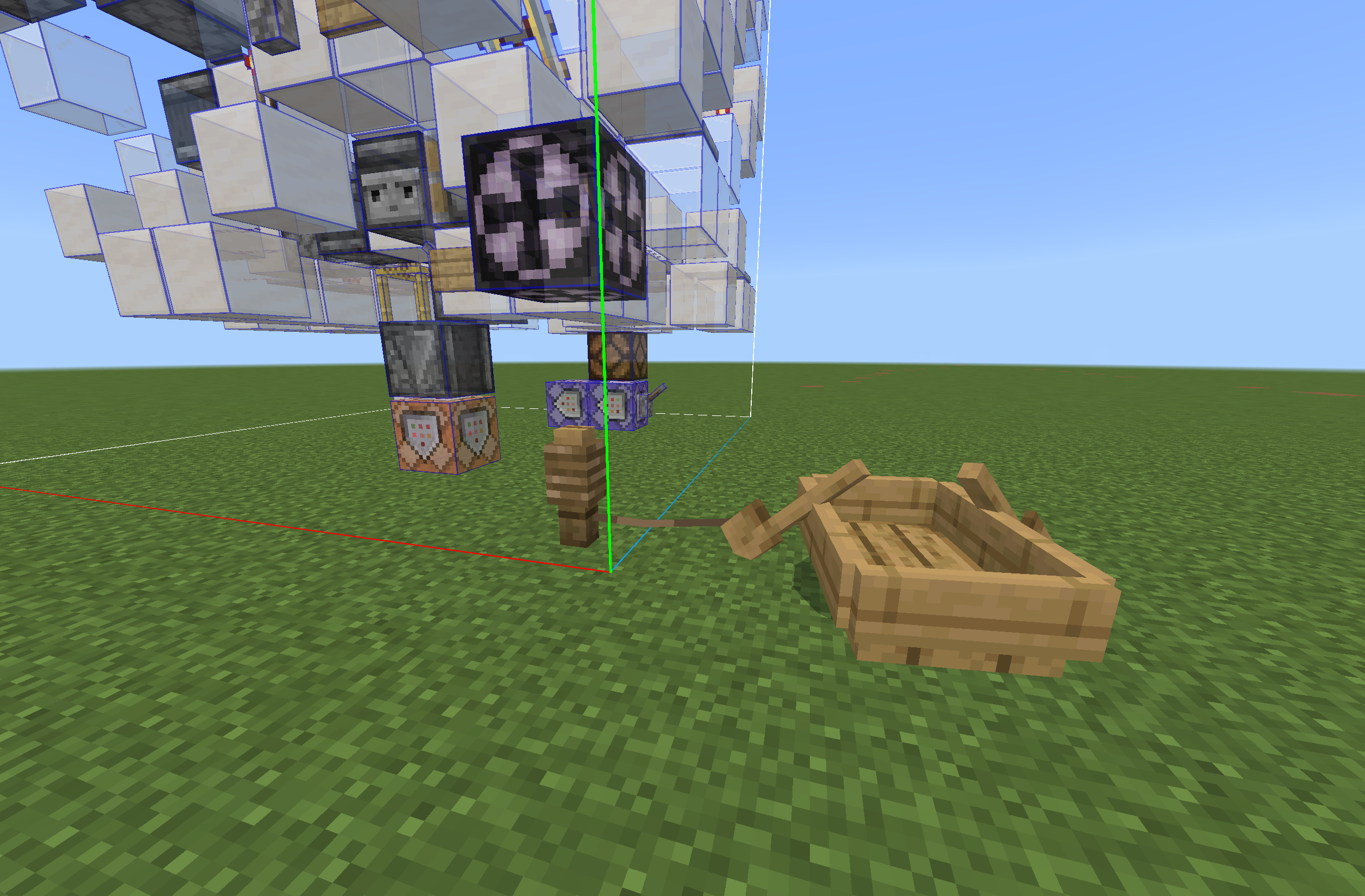
Then, go into your Minecraft world as usual, and create a leash knot. You will see the hologram appear as usual.
You can use UI controls and player controls as normal.
WARNING
UI controls, believe it or not, actually use the armour stand entity under the hood! (Bedrock is strange...) As a result, if you find that UI controls aren't working, try with player controls.